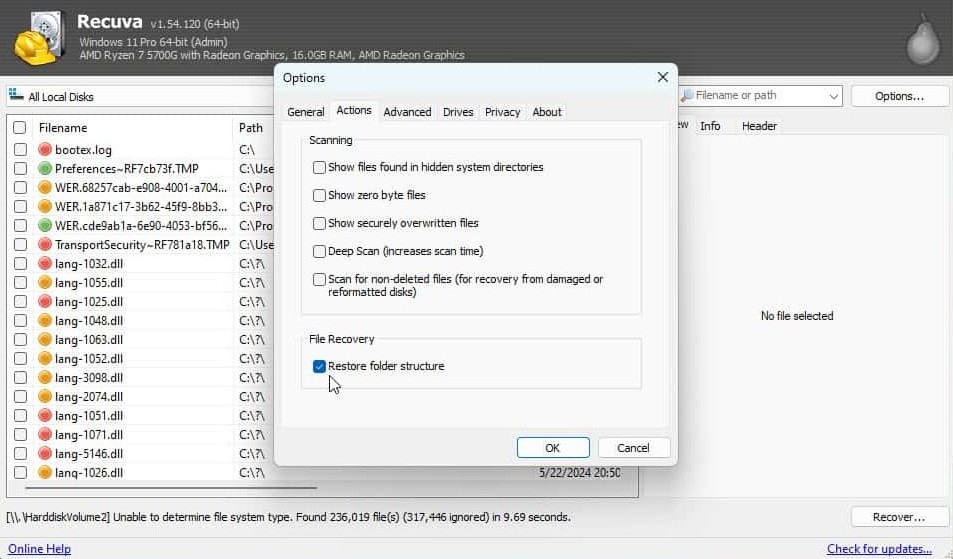
"Restore folder structure": when paths matter
Recuva can recover files into a flat destination or attempt to recreate the original directory layout. Flat exports are often faster to scan with your eyes when you only need a handful of items. Restored paths shine when you are rebuilding a whole project tree, matching assets to source control, or documenting where files lived before deletion for compliance.
Deep scans that carve data may invent partial paths or cluster-relative locations. Treat recovered hierarchy as probabilistic: useful for grouping, not absolute proof. When two files share a name in different folders, path restoration reduces collisions on the staging disk.
Practical workflow: first pass with structure for anything you might need to explain to another team; optional second pass flat for bulk media if duplicates confuse the list. Always keep the staging root labeled with scan mode, date, and source drive ID so merges do not overwrite good copies.