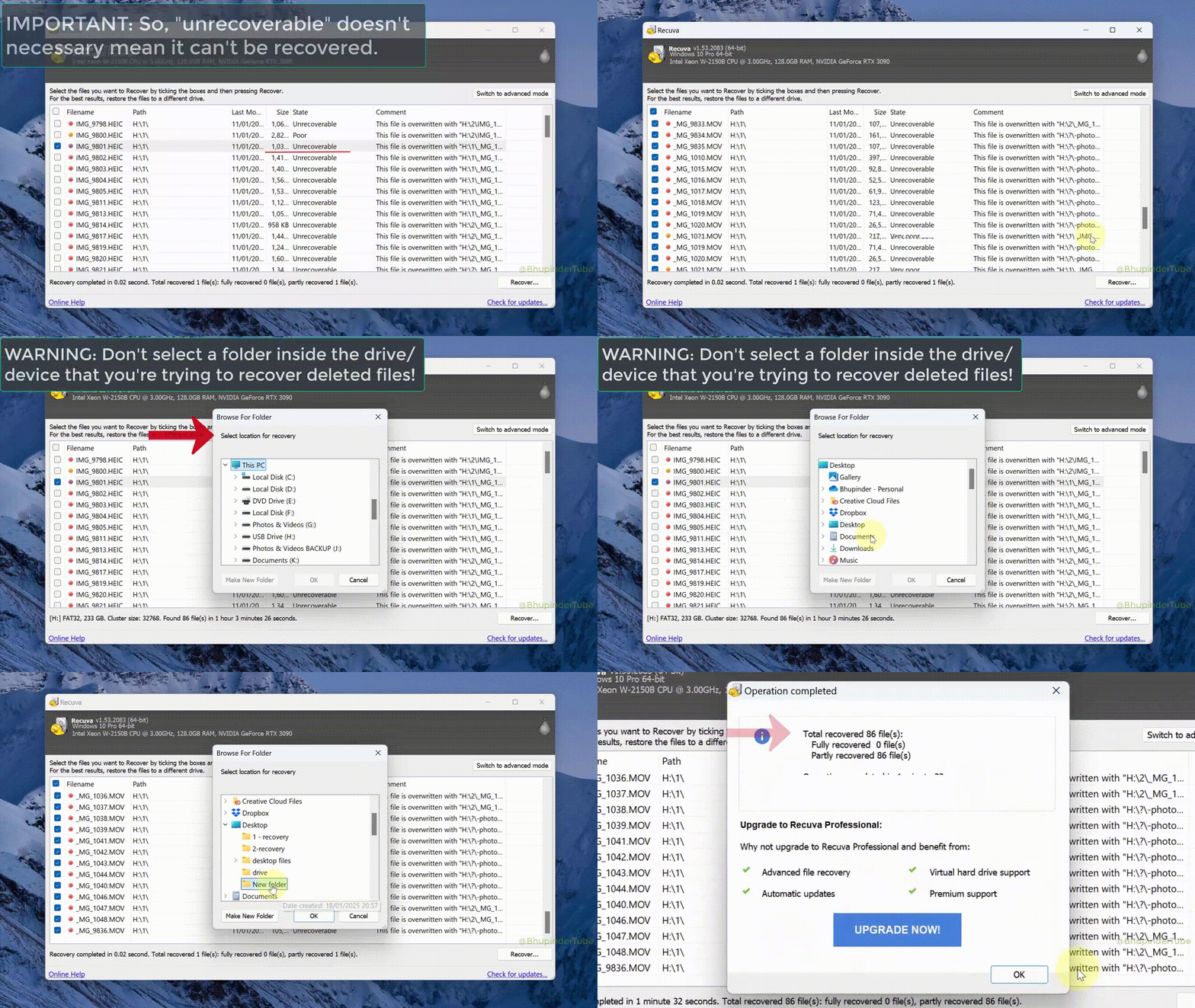
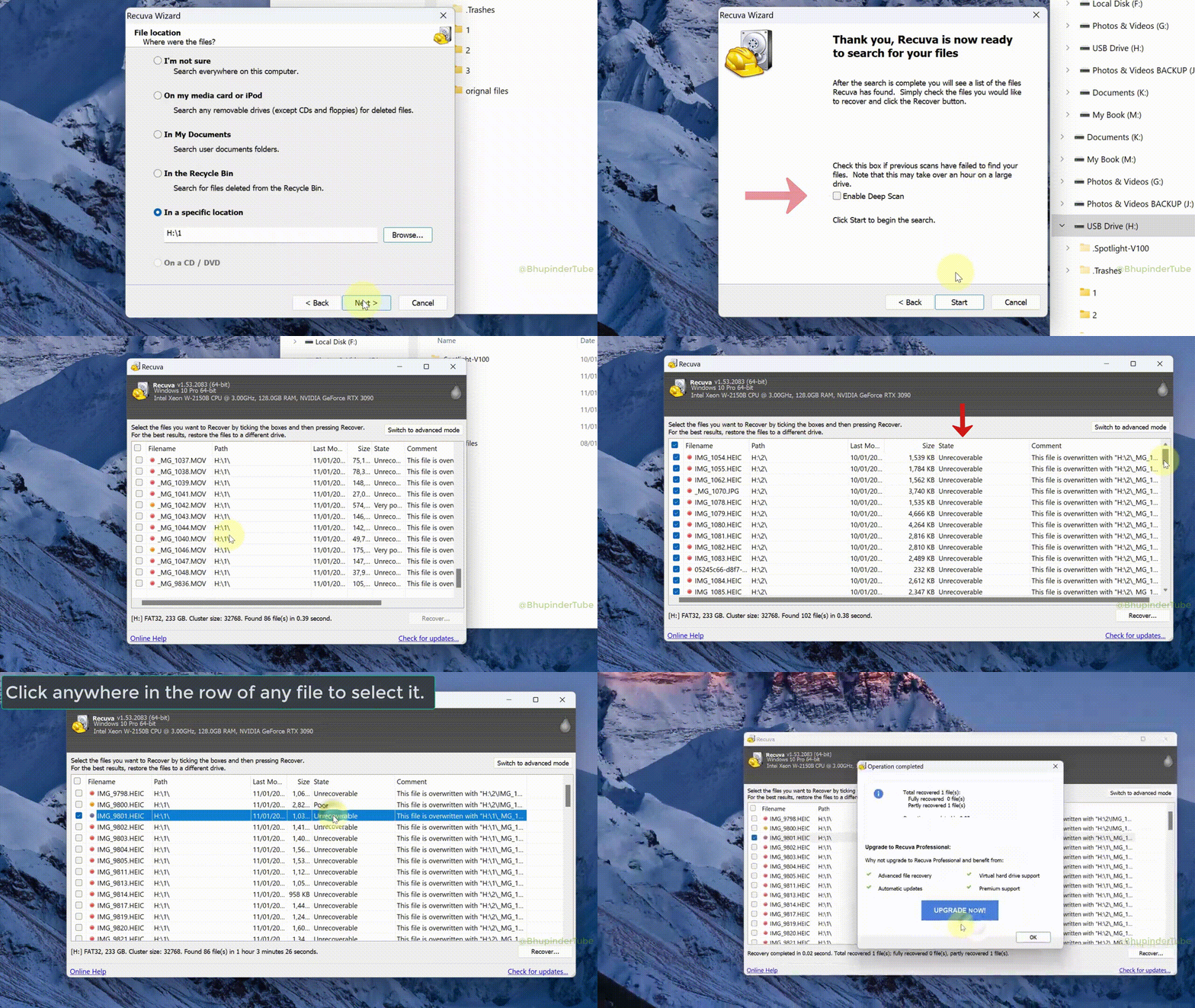
Recovery workflow
Two phases: freeze the damage, then prove the bytes
Phase one is operational hygiene. Phase two is verification theater done right. Swap the order and you get pretty file lists that fail the first real open.
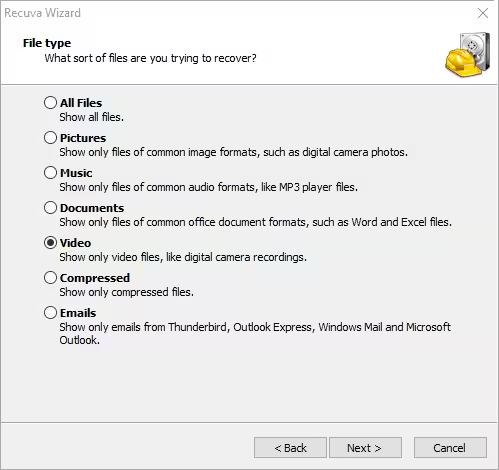
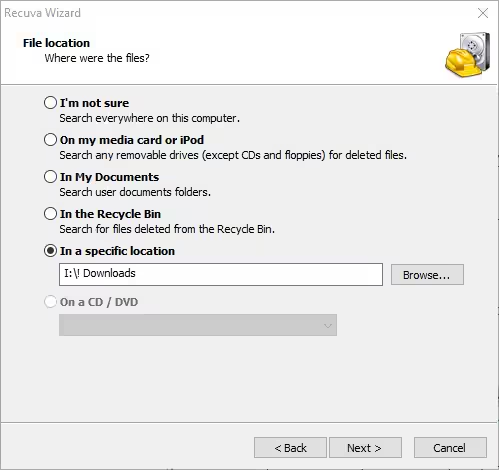
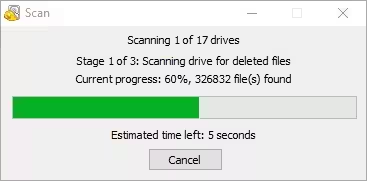
Deep scans are I/O-bound: budget wall-clock time, keep laptops on AC, and avoid letting the machine sleep mid-pass. When someone else will continue the job, write down drive letters, Recuva mode, and where exports must land - ambiguity costs more than five minutes of notes. For UI detail on masks and options, see Features; for staging and result states, see the Blog.
1
Phase 1 - Contain the disk
- •Stop writes to the affected volume immediately - every new file risks overwriting recoverable clusters.
- •Stabilize the connection: direct motherboard ports for internals; quality cables and readers for externals.
- •Stage a destination with free space on a different disk than the one you are scanning.
- •Pause sync tools that might touch the same folders during recovery.
- •Note identifiers - disk model, serial if visible, and the exact volume letter - so a handoff or remote session does not rescan the wrong device.
- •Power and sleep: plug in laptops, disable sleep for the session, and prefer a UPS on desktops when brownouts are common.
2
Phase 2 - Validate & export
- •Recover critical files first, then open them in the apps that own the format (Word, Lightroom, etc.).
- •Name batches with dates so exports do not collide on the destination drive.
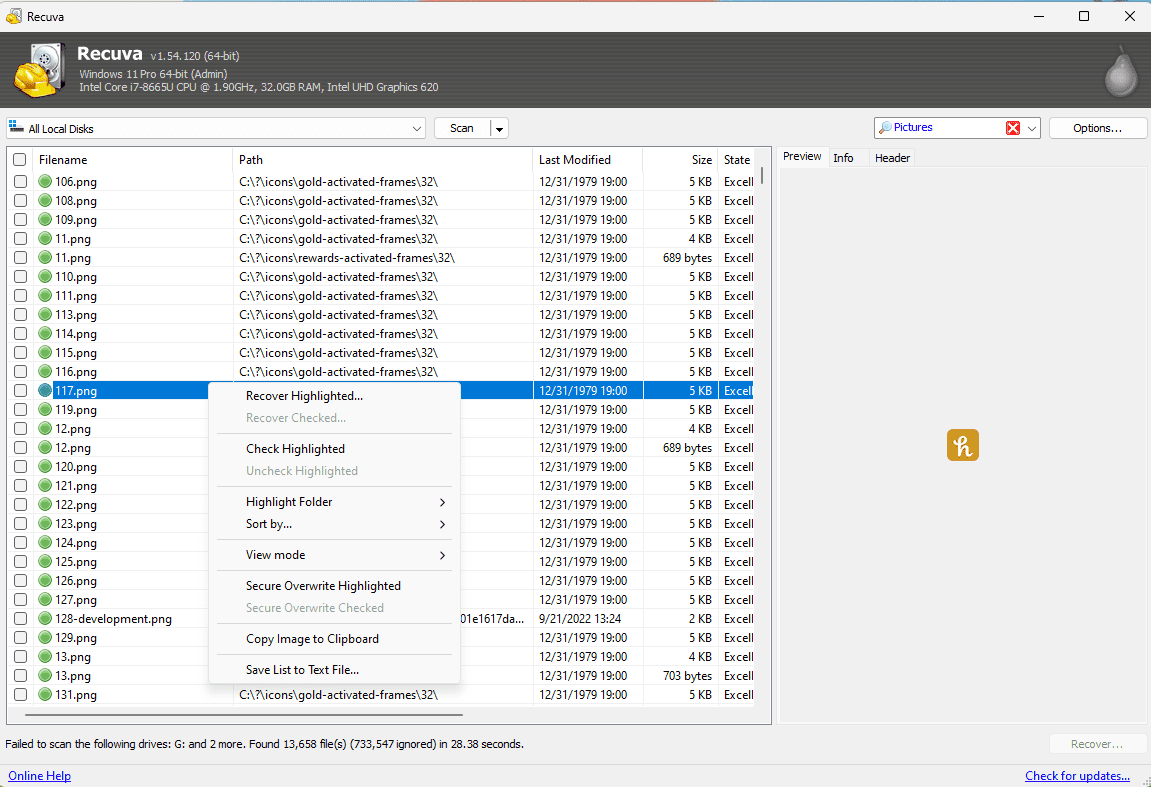
- •If previews fail, try deep scan or validate extensions - some types need repair utilities.
- •Log what worked (disk model, scan mode, port). It turns panic into a repeatable runbook.
- •Compare size and count to what users expect - a "recovered" 2 KB PDF is often a hollow carve, not a win.
- •Copy before repair: run chkdsk or vendor repair tools only after you have a verified export on another disk, not on the only copy of the volume.
Quick scan first
Always run quick scan when the deletion was recent and the volume is healthy. Use the list as a go/no-go: if paths look sane and conditions are strong, recover and verify before committing hours to deep scan.
Deep scan timeboxing
Tell stakeholders that runtime scales with capacity and USB speed, not CPU hype. If the UI still moves, let it finish; if the drive drops offline, fix hardware before restarting so you do not chase ghosts.
Ticket-friendly notes
Paste into the ticket: source letter, destination path, quick vs deep, approximate percent when paused, and "do not write to X" in plain language. The next tech should not re-interview the user from zero.
Phones & mixed storage
When Android storage mounts like any other volume
Many devices keep photos on internal storage or adoptable SD. If Windows mounts removable media as its own volume, Recuva can treat it like any other disk. If not, start with the manufacturer’s tools or verified backups - then return to desktop recovery for the copy you control.
MTP-only connections (phone shows as a media device, not a drive letter) usually block raw volume access from Recuva. Prefer copying files out with the vendor app or mounting the SD card in a reader. USB debugging and developer bridges are a different workflow - do not confuse them with a simple removable-disk path. Card-specific discipline (readers, format prompts) is covered in SD card recovery on the blog.