Quick scan vs. deep scan: choosing the right mode
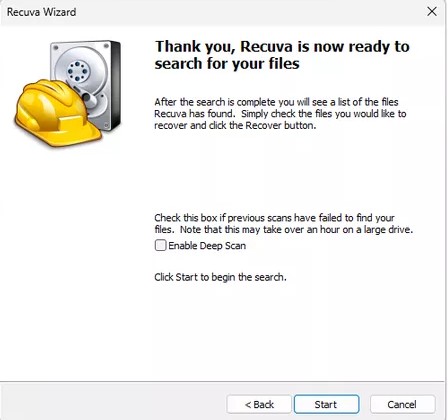
Quick scan asks the file system what it still remembers: deleted entries, residual folder structure, and pointers that were not reused. It is fast because it trusts the partition metadata. Use it first after accidental deletion or emptying the Recycle Bin when you have not continued heavy writes.
Deep scan abandons that shortcut and walks the volume looking for known file signatures. That is why it can surface items after a quick format or corruption - but runtime grows with capacity and interface speed. Treat deep scan as a commitment: stable power, sleep disabled, and a destination disk already staged.
Rule of thumb: if quick scan returns plausible paths and green states, recover and verify before going deeper. If results are empty or obviously truncated, escalate to deep scan and prioritize the folders that matter most.
Watch the UI for partial listings: some files appear while the bar still moves. Export in batches rather than waiting for a mythical "100% perfect" state - verify opens on the staging disk, then decide whether another pass is worth the time.