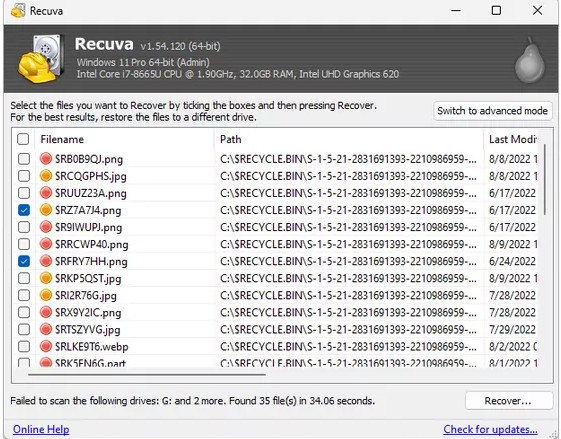
Green, amber, and unrecoverable: reading the results grid
Condition indicators summarize how likely Recuva thinks a file is intact. Excellent or green states deserve your attention first, but they are still software heuristics - always open a sample in its real application before you declare victory. Amber or poor states can still yield partial documents, thumbnails, or older revisions worth keeping.
Unrecoverable or missing entries usually mean clusters were reused, TRIM cleared them, or the carve never matched a full file. Do not assume the grid is exhaustive on the first pass; interface glitches and incomplete scans happen - but repeated absence after a finished deep scan is a stronger signal.
Filenames from carving can be generic (file0001.jpg). Use preview, size, and modified time when the label lies. Sort by type and size to batch-check photos versus spreadsheets so you do not scroll randomly for hours.