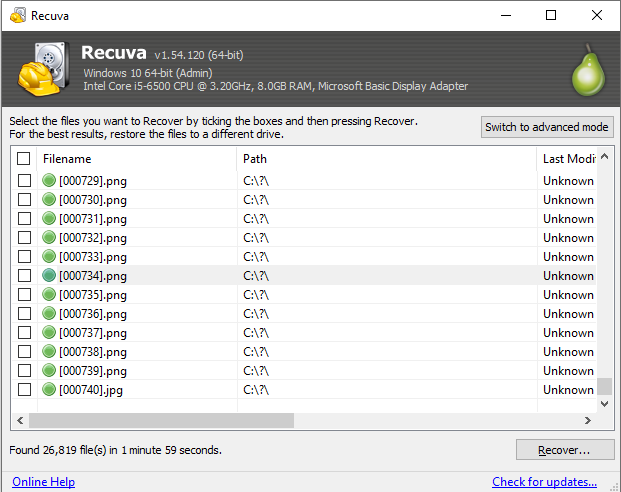
Never recover onto the disk you are scanning
Undelete tools work by reading clusters that are still free or partially intact. Writing recovered files back to the same volume consumes those clusters and can overwrite the very data you are trying to save. The rule is boring and non-negotiable: stage a different physical disk with verified free space before you start exporting.
Another partition on the same drive is better than the same partition, but it is still riskier than a USB disk or secondary internal drive. Laptop users with a single NVMe should attach any external storage they trust - even a slow disk - before running long deep scans.
In the results grid, sort by path and condition, recover high-value files first, and use dated folder names on the destination so multiple runs do not collide. If someone asks why recovery "got worse" on a second pass, the first question is almost always where exports landed.
Network shares and synced folders (OneDrive, Dropbox) add another failure mode: the "staging" disk might still be the same sync root as the source if you are not careful. Prefer a physically separate device, then copy into cloud storage only after you have verified opens locally.